Creating Database Tables
From Apache OpenOffice Wiki
The printable version is no longer supported and may have rendering errors. Please update your browser bookmarks and please use the default browser print function instead.
Creating Database Tables
In a database, a table stores information for a group of things, we call fields or columns. For example, a table might hold an address book, a stock list, a phone book or a price list. A database can have from one to several tables.
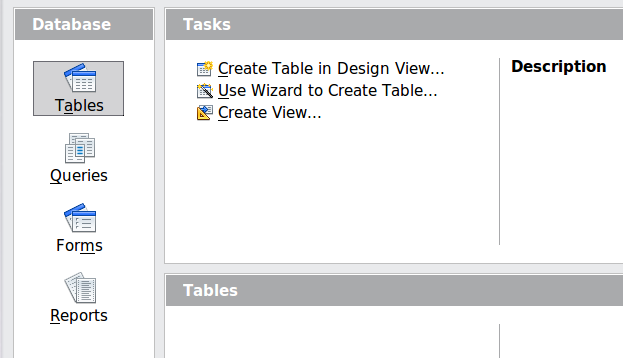
To work with tables, click the Tables icon in the Database list, or press Alt + A . The three tasks that you can perform on a table are in the Tasks list (see Figure 160).
| Content on this page is licensed under the Creative Common Attribution 3.0 license (CC-BY). |